AI wardrobe stylist
An AI stylist for the clothes you already own.
Add a piece with a photo, or straight from your camera roll. Smart Outfit tags it, cuts out the background, and builds outfits from what is already in your closet.
Tap a piece — or shuffle a look.
Outfits from the clothes you already own
Photo or camera roll — nothing to type in
Useful from your first handful of pieces
Matched on colour, style and season
What it does
A digital wardrobe that files itself.
Add a piece once. The tagging, the cut-out and the styling are handled from there.
Adding a piece takes one photo
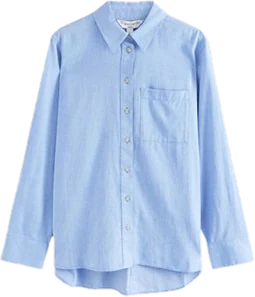
Shoot a garment, or pick a photo you already have. The AI reads its category, colour, season and style — there is nothing to type in.
Clean cut-outs, automatically
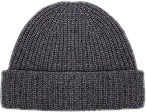
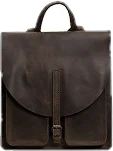
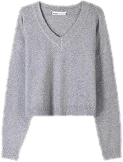
Backgrounds come off on upload, so your wardrobe reads as a rail of clothes and a saved look reads as an outfit.
Outfits you can wear today
Looks are matched on colour, style and season, and assembled from pieces already in your closet — never from a catalogue of clothes you would still have to go and buy.
Style it yourself when you want to
Swap anything the AI picked, or build a look from scratch slot by slot, then save the ones worth repeating.
Your whole wardrobe in one view
See everything you own at a glance — the piece you had in mind, and the ones you have not reached for in months.
How it works
From a full closet to a digital wardrobe in three steps.
- 01
Add your clothes
Take a photo or choose one from your camera roll. Start with what you wear most — the whole closet does not have to be in before this is useful.
- 02
The AI does the sorting
Category, colour, season and style are recognised and filled in, and the background is removed. No forms, no spreadsheets.
- 03
Get outfits back
Generate a look, change anything you would wear differently, and save the ones you want to keep.
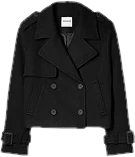
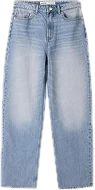
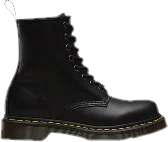
A look inside
Your digital closet, screen by screen.
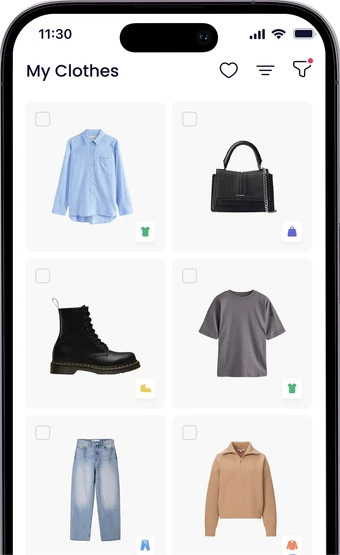
My Clothes
Everything you own, tagged and cut out
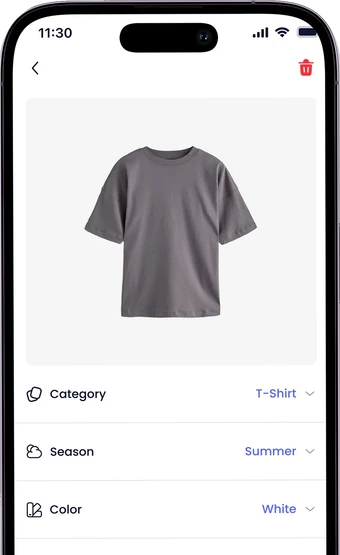
Item detail
Season, colour and style, detected for you
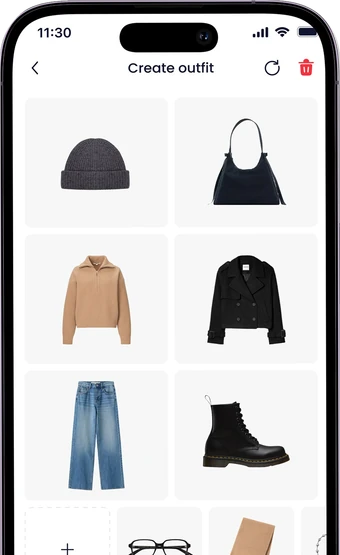
Create outfit
Swap any piece, slot by slot
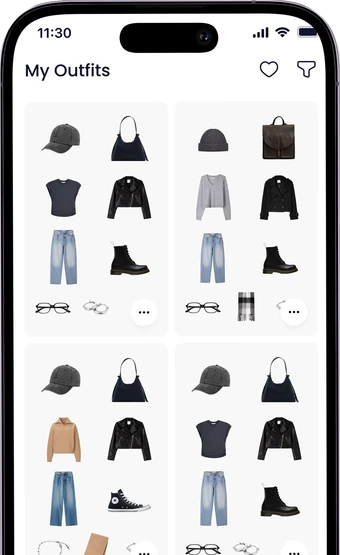
My Outfits
Saved looks, ready to wear
Questions
Good to know before you start.
Is Smart Outfit free?
Downloading it and building your wardrobe cost nothing. The free plan covers a wardrobe up to a set number of items, and a premium subscription lifts that limit — the current terms are shown in the app before you subscribe.
Does it work with the clothes I already own?
That is the entire point. You add your own wardrobe, and every outfit the app suggests is assembled from pieces already hanging in it.
Do I have to photograph my whole wardrobe first?
No. The app is useful from your first handful of pieces, and you can keep adding as you go. The more of your wardrobe it knows about, the more combinations it can put together.
Can I use photos I already have?
Yes. Add a piece either by taking a photo in the app or by picking one from your camera roll — the AI handles both the same way.
How does it decide which pieces go together?
Every item is tagged with its colour, season and style as you add it. Outfits are matched on those attributes, so what comes back is coherent rather than random — and always drawn from your own wardrobe.
What if I do not like the outfit it suggests?
Generate another, or open it in the builder and swap any piece yourself. Nothing lands in your saved looks until you put it there.
Is there an Android version?
Not yet. Smart Outfit is available on iPhone today, and an Android version is in development.
What happens to my photos?
They are uploaded so the app can recognise the garment, remove its background and store the piece in your wardrobe. They are not sold and are not shared with third-party services, and they are kept until you delete them or close your account. The privacy policy has the detail.
Your closet is already full of outfits.
Smart Outfit finds them. Free to download on the App Store.